Download Melon Sandbox APK 258.8 Free for Android
playducky.com APK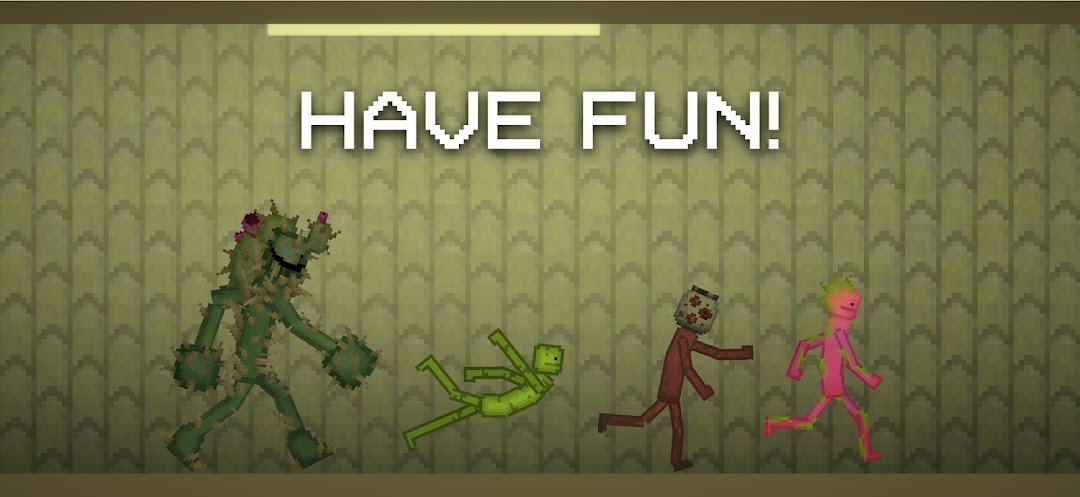
| Tên | Melon Sandbox |
|---|---|
| Nhà phát hành | playducky.com |
| Phiên bản | 258.8 |
| Kích thước | 71KB |
| Yêu cầu | Android 7.1+ |
| Google Play | Google Play ↗ |
| Danh mục | Simulation |
| Lượt tải | 4 |
| Giá | MIỄN PHÍ |
| Đánh giá |
★
★
★
★
★
0/5
(0)
|
| Tác giả | |
| Cập nhật |
Melon Sandbox hands you firearms, melee blades, explosives, vehicles, and a full Mod Editor, then steps back and lets the ragdoll physics decide how every experiment ends.
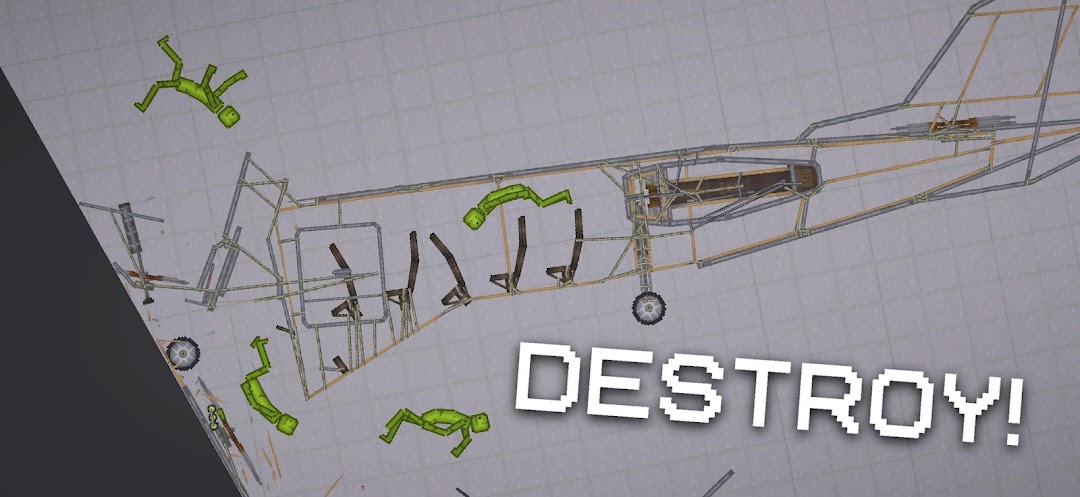
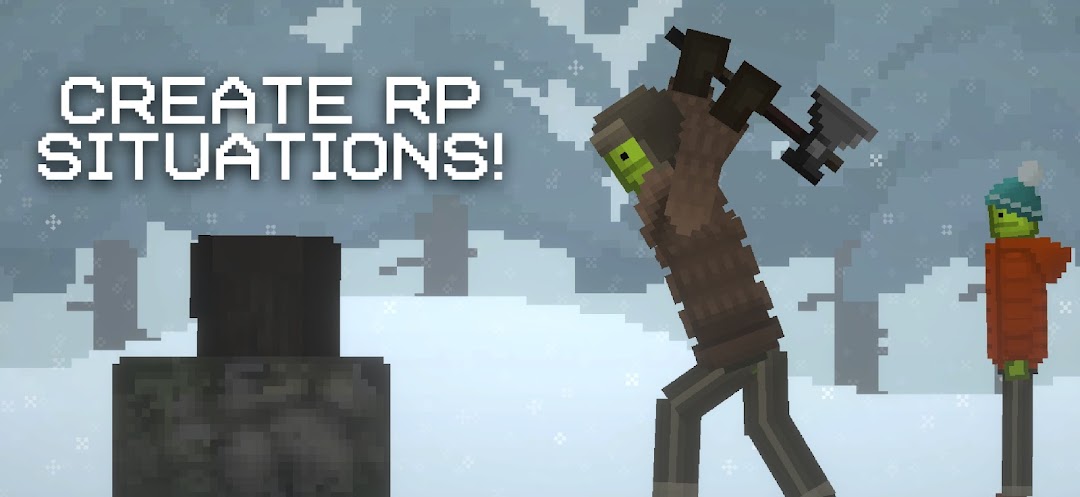
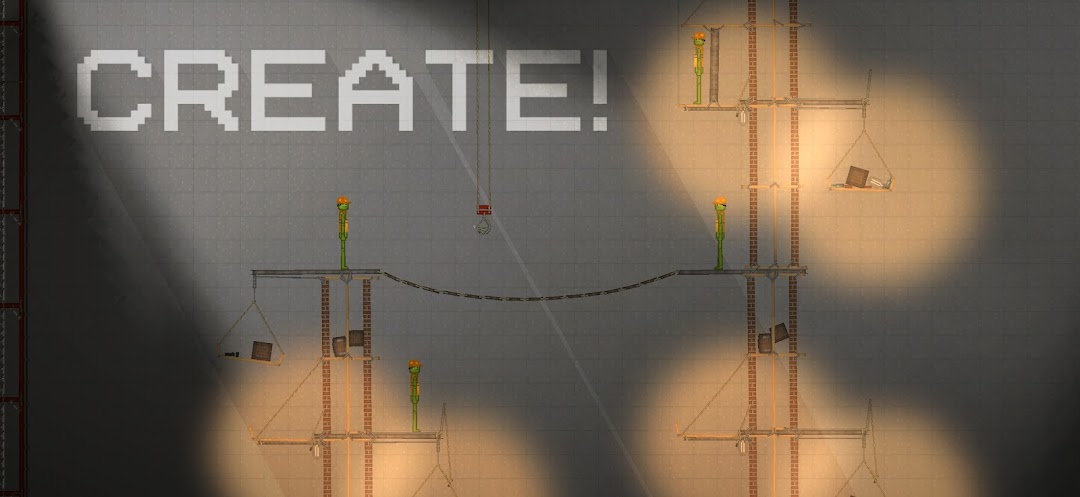
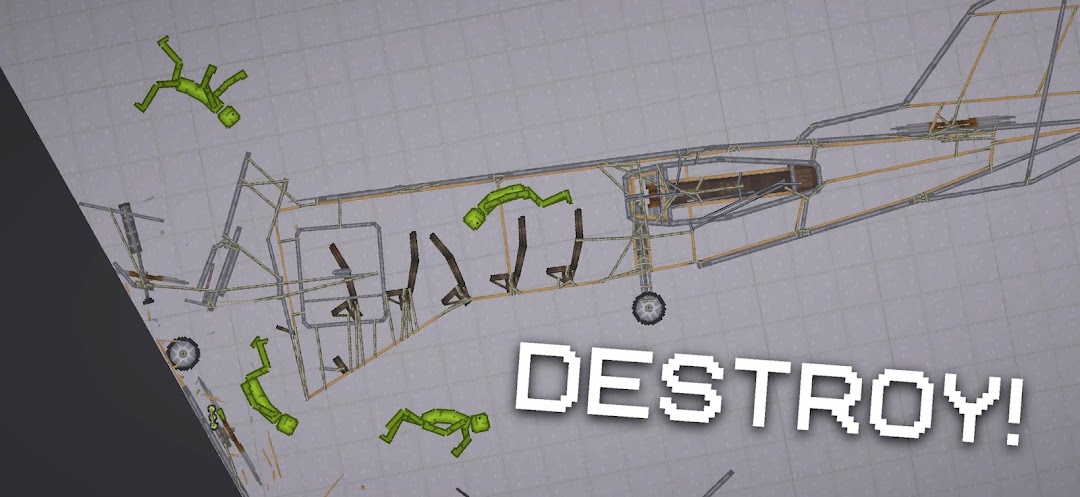
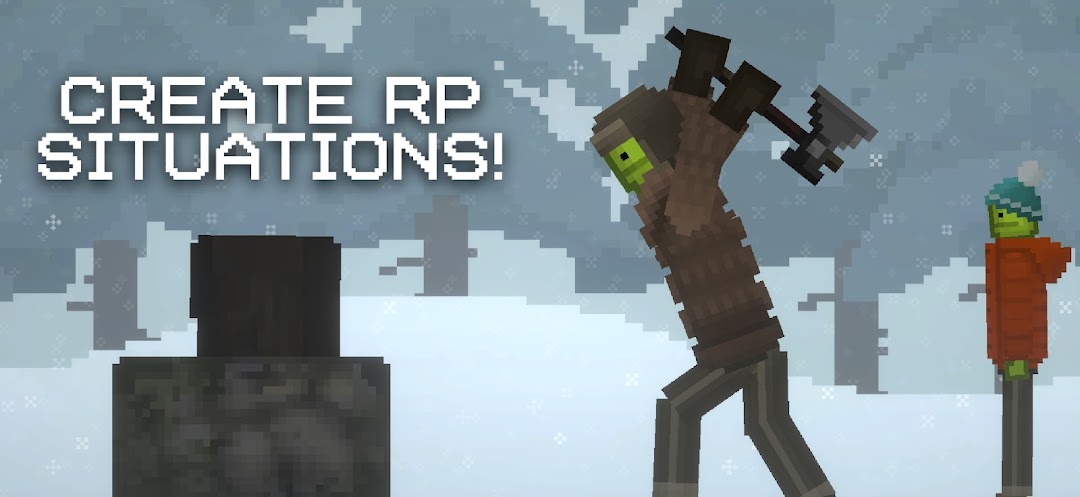
Melon Sandbox, formerly called Melon Playground, is a 2D physics ragdoll sandbox built by Sliz and published through Playducky, now on version 258.8 for Android and iOS. It takes its core idea from desktop physics toys like People Playground, giving you a blank stage where you place Livings, weapons, vehicles, and traps, then run the scene and watch weight, momentum, and damage play out. The appeal is total freedom: no levels, no score, no fail state. You spawn objects, wire them together, and study the chain reactions that follow. A built-in Mod Editor and a large community workshop keep the item pool growing far past what ships in the base build, which is the main reason the game keeps a steady player base years after launch.
- Every weapon class in Melon Sandbox and what each one breaks
- The Livings (playable characters) and how each one bleeds and breaks
- The maps from the Playground to the Volcano and Lava Pool
- How to install mods and build your own with the Editor
- How Melon Sandbox compares to People Playground on mobile
- What version 258.8 added: bicycle, lava editor, and a Safe Zone
- Melon Sandbox MOD APK features
- Frequently asked questions
Every weapon class in Melon Sandbox and what each one breaks
The weapon menu in Melon Sandbox is not one long list, it splits into clear families, and knowing which family does what is the difference between a clean test and a messy one. Each weapon carries its own damage, collision, and physics behaviour, all of which you can read and edit through the same parameters the Mod Editor exposes. These are the groups you will pull from most:
- Ranged firearms: pistols, automatic rifles, and shotguns that fire projectiles at the Livings. Since version 258.8 added a bullet speed setting, you can slow a round down to watch it punch through a Melon frame by frame or crank it up to vaporise a limb on contact.
- Electric weapons: the Tesla coil and electric guns deal continuous arc damage rather than impact damage, so they are the tool to use when you want a slow burn rather than a single hit. The coil also got reworked sound effects in the latest build.
- Melee: three sub-types, stabbing (knives, swords), blunt (bats, hammers), and slashing blades. Stabbing pierces and pins a Living to a surface, blunt sends it flying without breaking the body apart, useful when you want to keep a ragdoll intact for a second test.
- Explosives and traps: grenades, bombs, and mines that level a whole scene at once. Version 258.8 added new explosive configuration parameters, so you can tune blast radius and force instead of accepting the default.
- Syringes and medicine: the counterpart to the weapons, these heal, revive, or pump adrenaline into a Living so it keeps reacting after damage that would normally end the scene.
The trick most newcomers miss is that weapons interact with each other, not just with characters. A firearm round that hits a fuel container triggers a fire, fire spreads to a flammable crate, and the crate collapses onto a Living. That stacking is the whole point of the sandbox.
The Livings (playable characters) and how each one bleeds and breaks
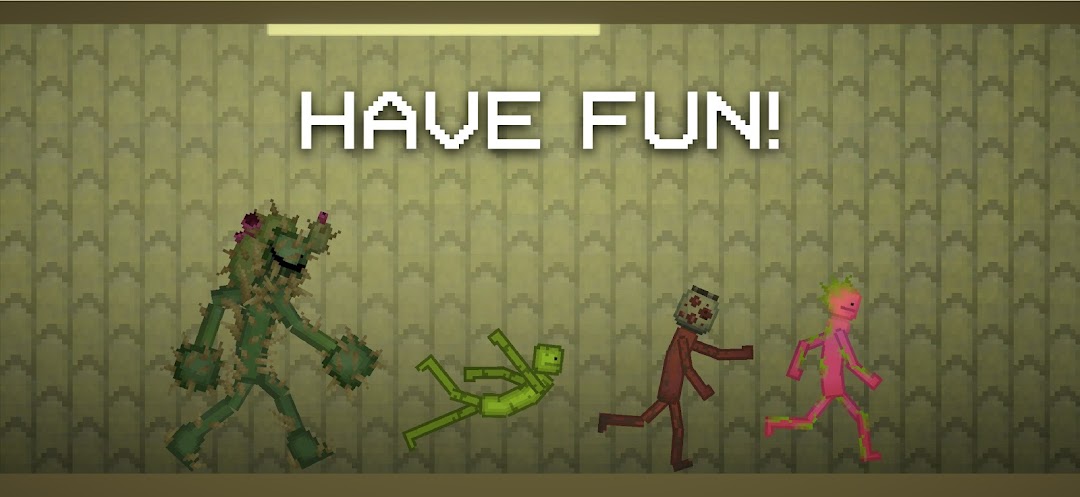
Melon Sandbox calls its characters “Livings”, and they are not cosmetic swaps, each material reacts to force and damage in its own way, which is why testing the same weapon on different Livings gives different results. Spawn anywhere from two to one hundred of them in a single scene and the count is yours to set. The roster you start with covers:
- Melon: the mascot and default Living, with red flesh and red blood. It is the soft baseline, easy to dismember, and since version 35.4 you can shoot individual pieces off its frame rather than destroying the whole body at once.
- Pumpkin: orange inside and out, slightly sturdier than the Melon, a good middle option when the Melon falls apart too fast for the test you want to run.
- Corn and Apple: alternate-material Livings that absorb and transfer force differently, handy for side-by-side comparisons when you want to see how the same blast scatters two bodies.
- Robot and Android: the hard-bodied Livings. They resist piercing far better than the fruit characters, so they are the ones to use when you want a target that survives a firefight long enough to test sustained damage.
Each Living can wear armor or clothing, and a lightweight body armor layer changes how deep a blade or bullet reaches before it hits the core. That single layer often decides whether a single shot ends a scene or just staggers the target.
The maps from the Playground to the Volcano and Lava Pool
The map you pick sets the rules of the scene before you place a single item, and Melon Sandbox now ships with a spread that goes well beyond the plain starter stage. The original Playground is the empty white box most experiments begin on, while the Laboratory adds fixed structures to anchor contraptions. Themed maps cover City, Forest, Desert, Space, and Sea environments, each with surfaces and props that change how objects slide, float, or shatter.
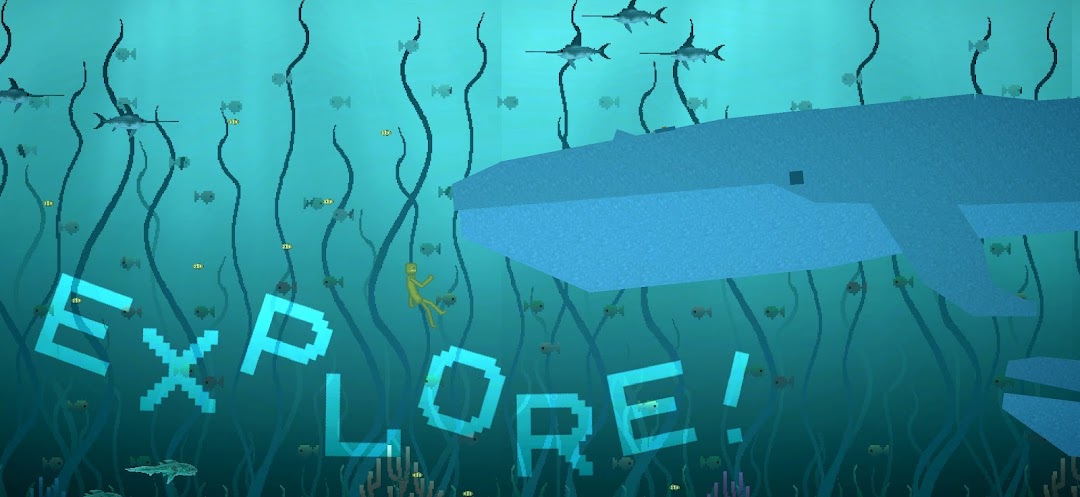
The newer maps lean into hazards. The Lava Pool and Volcano maps, added in version 35.4, turn the floor itself into a damage source, and lava was later wired into the map editor so you can paint it into custom stages, with an outline drawn around any object sitting in it. The Endless Ocean received new creatures in version 258.8, and the Highway map from version 33.5 gives vehicles a long straight surface for crash testing. Picking the right map is the cheapest way to add chaos to a scene without spawning anything at all.
How to install mods and build your own with the Editor
The mod system is the reason Melon Sandbox content never runs dry, and adding community files takes a known folder path rather than guesswork. Mod files use the .melmod extension and saved scenes use .melsave, and each goes to its own folder. Using a file manager (CX File Explorer handles this well), move the files to Android/data/com.studio27.MelonPlayground/files/Mods/ for mods and the matching /Saves/ folder for saves, then restart the game so it reads the new content. Loading too many mods at once is the usual cause of a black screen, so clear the mod list and restart if a scene freezes.
Building your own is just as direct through the in-game Mod Editor. Press CREATE NEW, choose an existing item to modify, hit EDIT, then set parameters like DAMAGE and COLLISION and pick a collider shape (a Box collider builds a rectangle, for example). The editor covers Livings, ranged weapons, clothes, and miscellaneous items, and the HIDE/SHOW button lets you pull a mod out of the spawn menu without deleting it. That same editor is how most of the workshop weapons and characters in circulation were made.
How Melon Sandbox compares to People Playground on mobile
Players who already know People Playground keep asking what Melon Sandbox keeps and what it drops, and the honest answer is that it trades fidelity for reach. People Playground is a paid PC title with denser physics and higher-detail sprites, while Melon Sandbox is free, runs on phones, and uses minimalist pixel-art bodies that load fast and stay readable on a small screen. Touch controls replace mouse-and-keyboard, with drag-and-drop placement that suits the format.
Where Melon Sandbox pulls ahead is the mobile workshop and the volume of community content reaching it. The game also carries collab items kept since the GoreBox crossover in version 13.0 (sunglasses, a bandana, and the Tool Gun), which People Playground never had. If you want the deepest single-machine physics, the desktop route wins, but for an always-in-your-pocket sandbox with a constant flow of new mods, Melon Sandbox is the version most players actually run.
What version 258.8 added: bicycle, lava editor, and a Safe Zone
Version 258.8 is an “Extensions and Improvements” update that widens both the toy box and the editor. The headline additions are a rideable Bicycle and a Car seat, plus new creatures populating the Endless Ocean map. The build also brings a new “Destruction” script and an atan2 node for the logic system, giving mod makers more control over automated scenes.
On the editor side, lava can now be placed directly into custom maps, with an outline drawn around any object inside it. Combat tuning gained two real levers: new explosive configuration parameters and a bullet speed setting, so you can dial in exactly how a round behaves. A Safe Zone was added, new spray effects landed, and the docking hatch system improved alongside higher limits for the rope controller and object resizing. The Tesla coil received new sound effects, and a longstanding space pressure bug was fixed. This follows version 35.4, which introduced the Lava Pool and Volcano maps and let you shoot pieces off the Melon for the first time.
Melon Sandbox MOD APK features
The MOD build is aimed at players who want the workshop and shop content opened up without the ad interruptions that sit between you and the extras, so you can spend your time staging scenes instead of watching prompts. Here is what it changes against the stock APK.
No Ads
The stock APK uses rewarded video ads to gate certain extras, such as the daily free reward and some workshop pack unlocks, meaning a short ad sits between you and the content. The MOD removes those ads entirely, so the Mod Editor, the map list, and pack rewards stay one tap away. This matters most during long building sessions on hazard maps like the Volcano, where you are restarting scenes constantly and would otherwise hit an ad prompt every few resets.
All Premium Packs Unlocked
Some cosmetic and item packs in the in-game shop normally sit behind a price, including themed clothing sets and bonus workshop bundles for the Livings. The MOD opens these from the start, so the full clothing layer and every shop pack are available without payment. In practice that means you can dress a Robot or Melon in any set and pull premium items into a scene on the same map you would otherwise have to pay to access, with nothing held back behind the shop.
Free Shopping
Where the stock APK asks for a real-money purchase to claim premium content, the MOD lets you complete those purchases at no cost, so any paid pack registers as owned. You can grab the latest additions like the Bicycle and Car seat bundles and any future shop drops without spending. This pairs with the unlock feature above: one opens what is on the menu now, the other clears anything the shop adds later, leaving the full content set in your hands.
The note below sits above the table so you know what you are comparing: this lays out the core differences between the stock Melon Sandbox and the MOD build, focused on ads and shop access rather than the physics, which both versions share.
| Feature | Stock APK | MOD APK |
|---|---|---|
| Rewarded ads | Required for daily reward and some pack unlocks | Removed completely |
| Premium shop packs | Paid (clothing sets, workshop bundles) | All unlocked from start |
| In-app purchases | Real-money payment | Free shopping, all purchases granted |
| Clothing and armor layer | Some sets behind paywall | Full set available |
| Mod Editor and .melmod imports | Free in both | Free in both |
| Core ragdoll physics and maps | Identical | Identical |
Frequently asked questions
Will the Melon Sandbox MOD APK get my account banned?
Melon Sandbox is a single-player, offline sandbox with no login or online account tied to your scenes, so there is no account standing to lose. Your maps live locally as .melsave files on the device. Since nothing connects to a competitive server, the usual ban risk that applies to online games does not apply here.
What does the MOD unlock that the free version does not?
The base game is already free with full physics, all Livings, and the Mod Editor. The MOD specifically removes rewarded ads, unlocks the premium shop packs (clothing sets and workshop bundles), and turns paid purchases into free ones. It does not change the physics engine or the maps, those are the same in both builds.
Will I lose my saved maps switching between the stock and MOD versions?
Your scenes are stored as .melsave files in the Mods data folder rather than inside the app itself. Back up that Saves folder before swapping builds and copy it back afterward to keep every map. Mod files (.melmod) work the same way in both versions, so your imported weapons and characters carry over once the folder is restored.
How do I add community mods to Melon Sandbox?
Download the .melmod file, open a file manager such as CX File Explorer, and move the file to Android/data/com.studio27.MelonPlayground/files/Mods/, then restart the game. Saved scenes go in the matching Saves folder. If a scene freezes or shows a black screen, clear the mod list and restart, since loading too many mods at once is the common cause.
Is Melon Sandbox suitable for younger players?
The game centres on destructive physics with blood and gore effects, which is the core of the sandbox but is not built for all ages, so parental discretion is advised. There is no objective or violence against real targets, just ragdoll Livings like the Melon and Pumpkin, but the visual gore is intentional and frequent, so it suits players comfortable with that style.